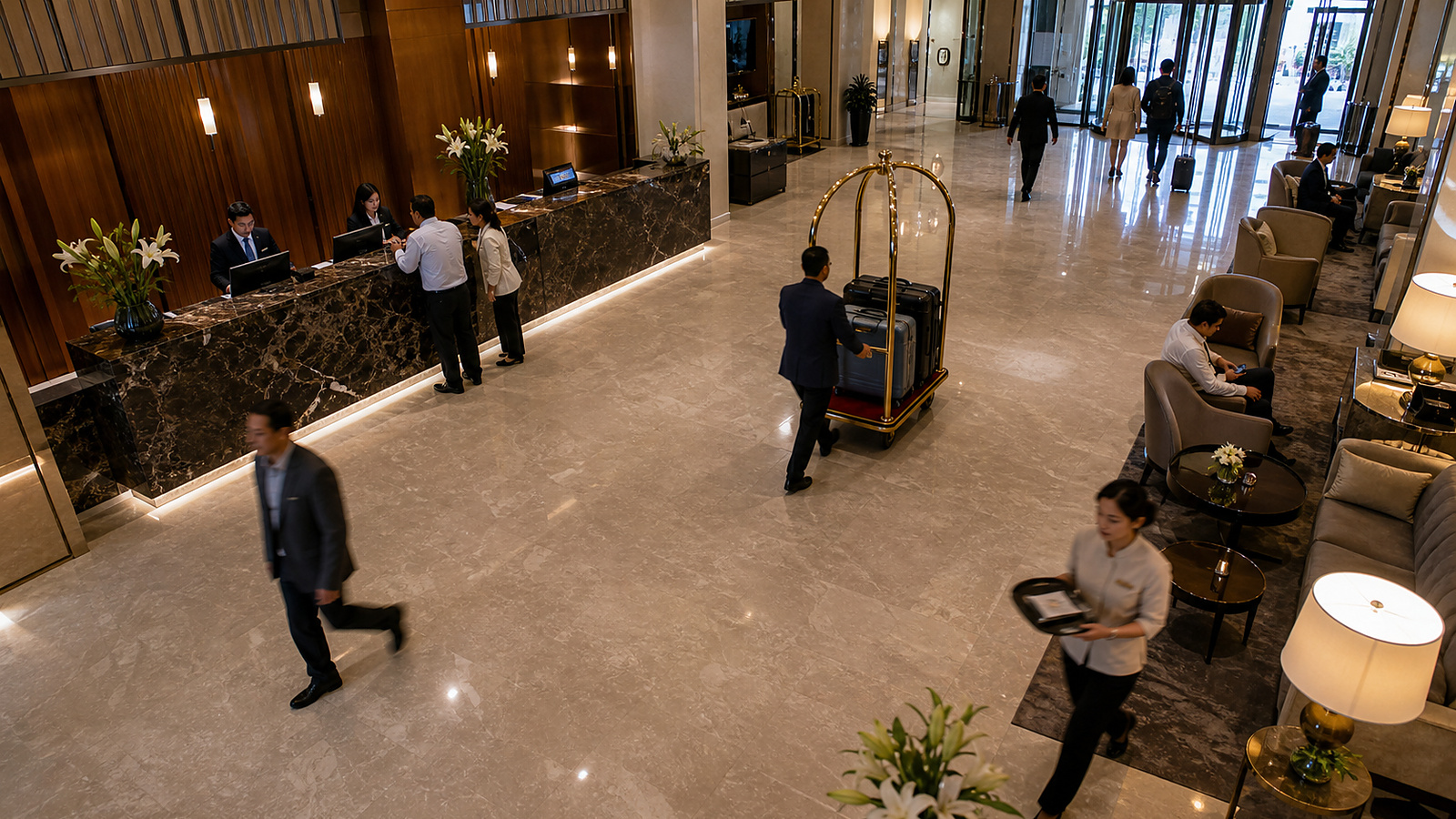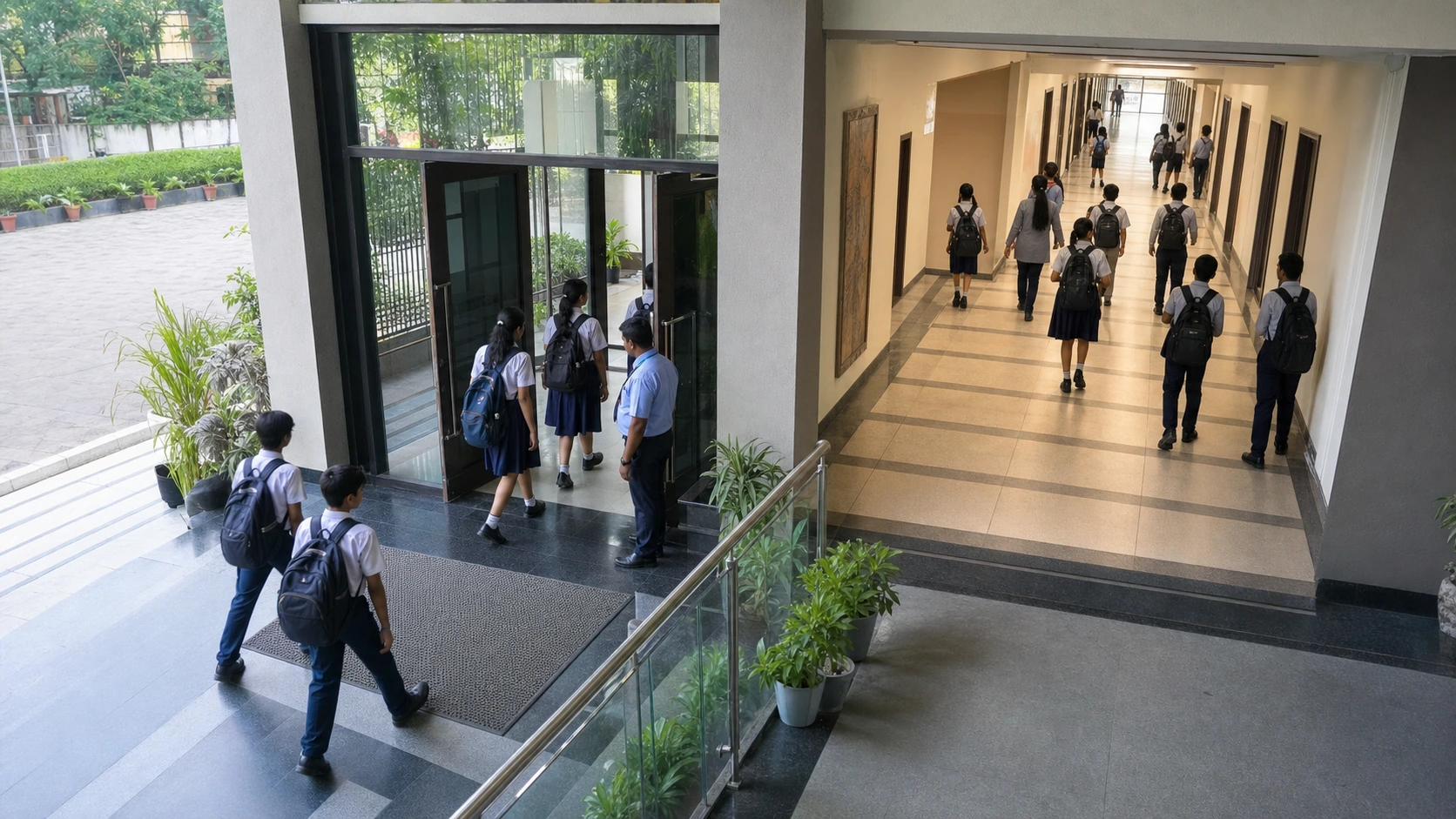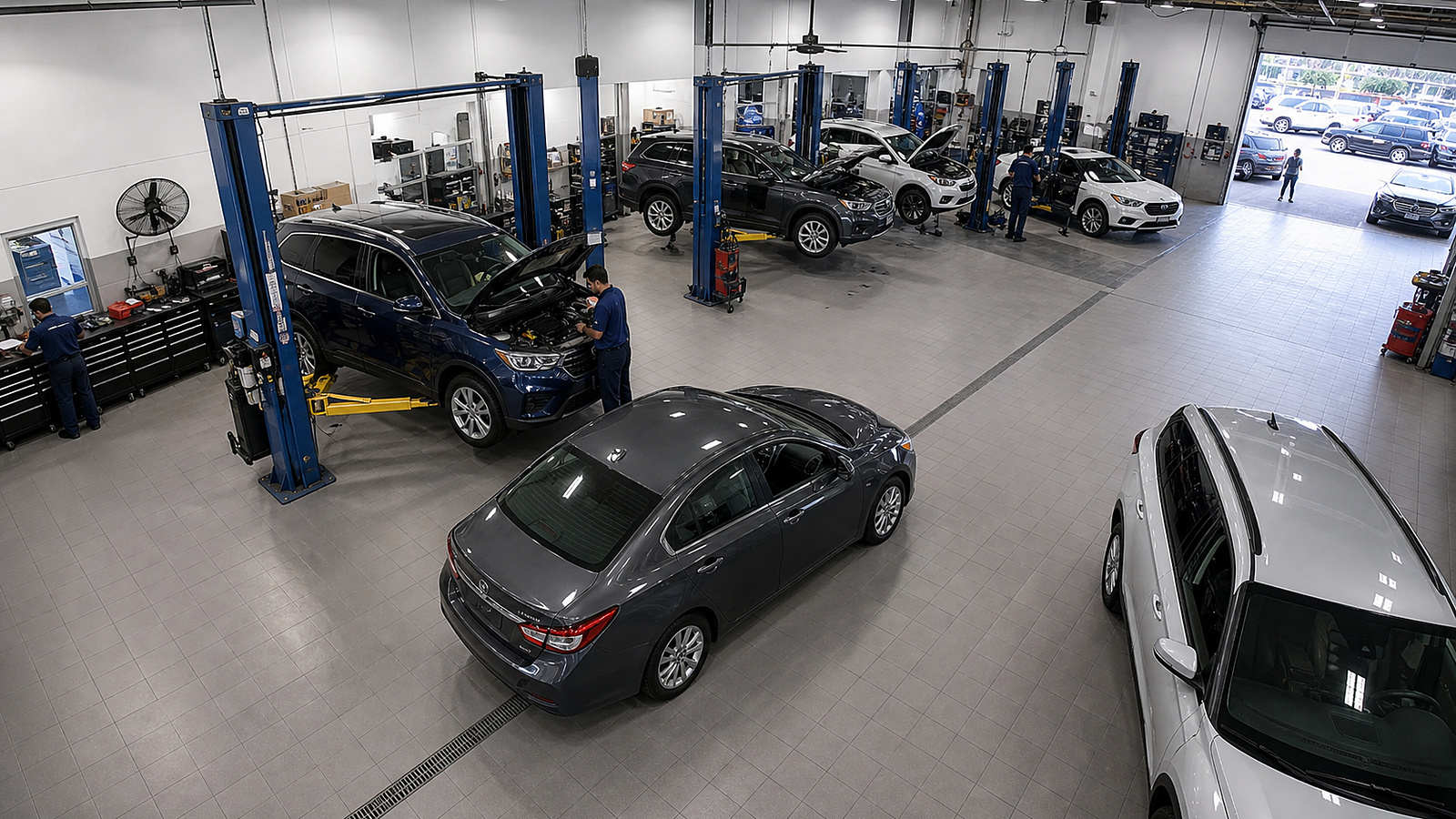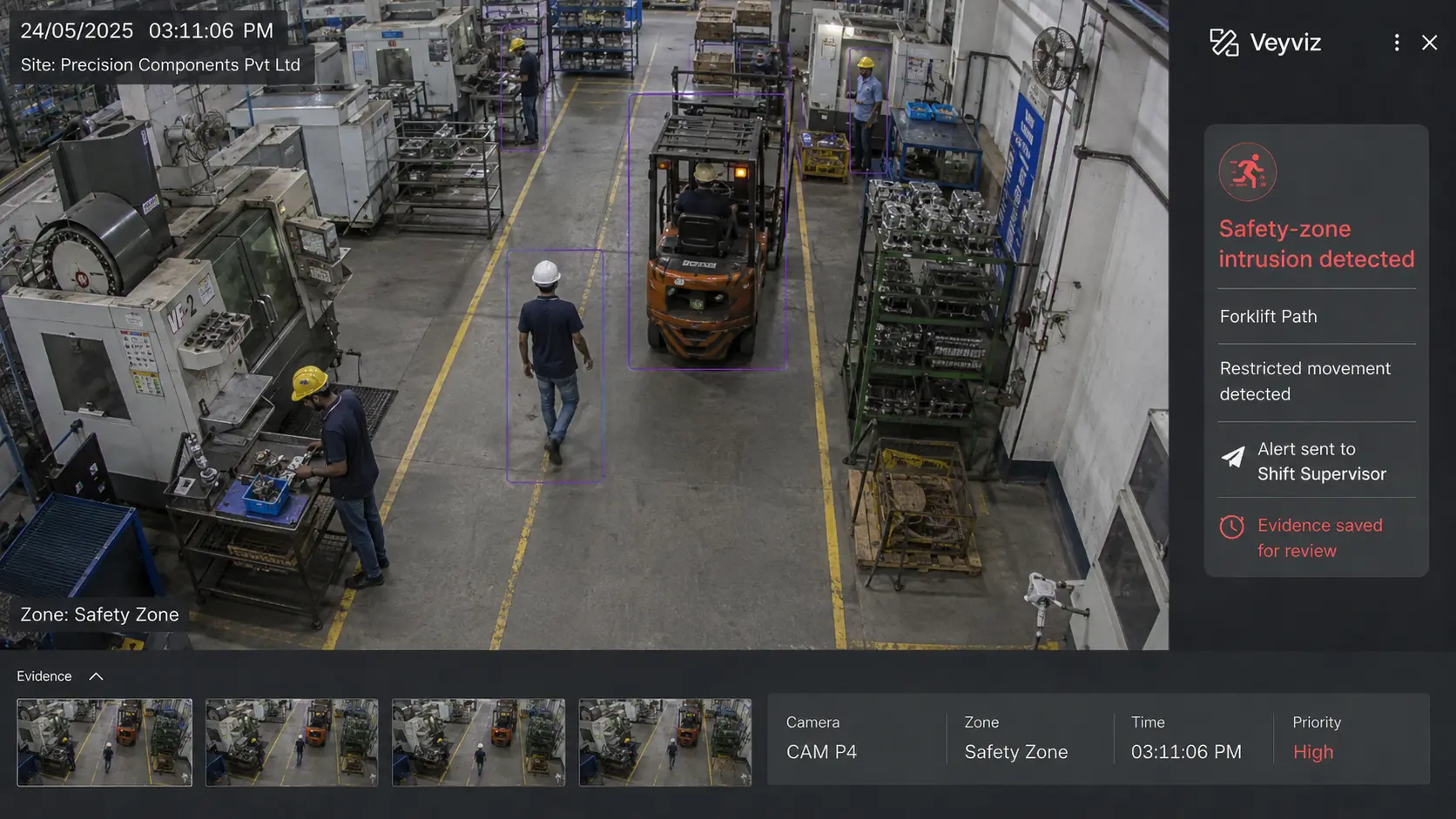
Use cases

Start with the problem your site needs to solve.

Choose your type of business. See what the cameras can spot, who should receive the alert and what a completed response looks like.

Explore your industry
Event · Person · Response · Record

Interactive use-case guide

Choose a type of business. Then choose the problem.

See what the camera finds, who is alerted and what happens next—without leaving this page.

Choose a problem below. The image and response steps update instantly.

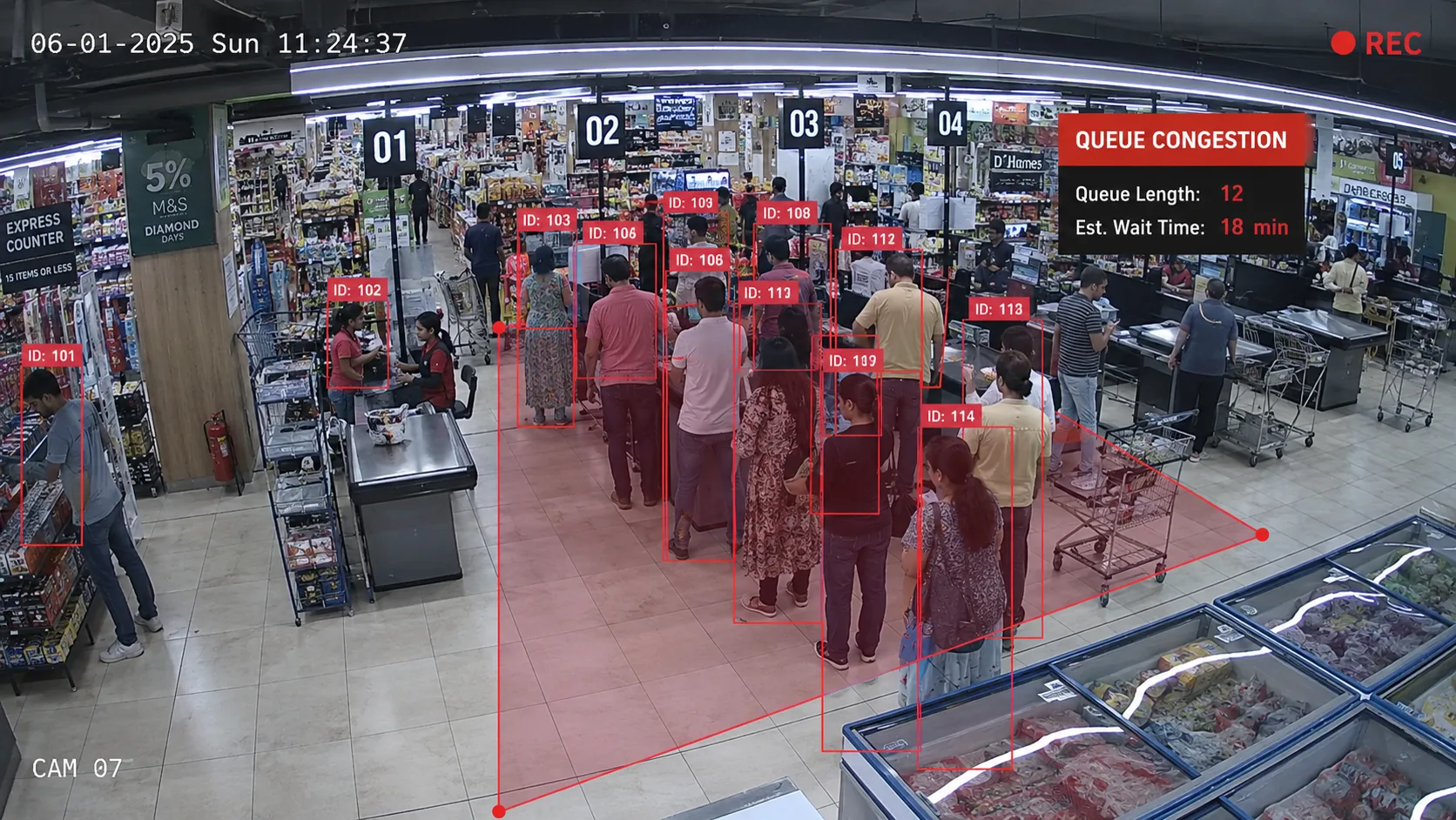
Checkout queue detection in a retail store
RetailCheckout queue pressure
01 / 04Retail

Checkout queue pressure

Alert the floor manager when waiting grows beyond the agreed service level.

Camera sees
A checkout queue remains above the agreed threshold.
Owner
Duty floor manager
Action
Open another counter and confirm capacity is available.
Proof
The queue returns to normal and the result is recorded.
Plan this use case →

One clear process

From camera event to proven result.

Each step stays connected, so the team can see what happened and what was done.

  1. 01SeeThe camera notices an event.
  2. 02ExplainSite, time and video appear together.
  3. 03NotifyThe right person is alerted.WhatsAppSMSEmailVeyviz app
  4. 04ActThe owner responds.
  5. 05ConfirmThe result is recorded.
  6. 06ImproveReports reveal repeat problems.

Choose one domain and one result to prove first.